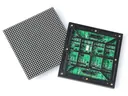
 Outdoor SMD Screens
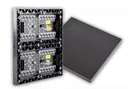 Indoor SMD Screens
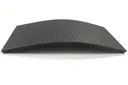 Flexible SMD Screens

What to Consider Before Buying an SMD Screen for Outdoor Use
What to Consider Before Buying an SMD Screen for Outdoor Use Outdoor screens are a popular way for businesses to…

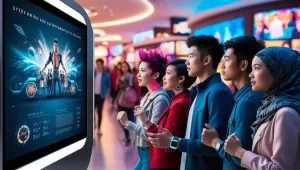
Creating good dynamic visual content for your SMD screen can make a real difference to how your audience sees your brand. Whether the screen is used for advertising, public information, or entertainment, well-made moving content can attract more attention than a static image. This article walks through how to plan, design, export and test SMD screen content so it looks right on your LED display.
Motion graphics, changing colours and timely updates can help content stand out among static advertisements. SMD LED screens are bright, emit their own light and can show strong contrast, so well-designed moving content can look striking on them, as long as it is made for the screen’s actual resolution and viewing distance.
Motion and animation can make content more eye-catching and let you show several messages in rotation in busy, high-traffic places. Content can also be updated or scheduled without reprinting, helping it stay relevant.
SMD stands for Surface-Mount Device. In an SMD LED screen, each pixel is a small package containing red, green and blue LED chips, soldered directly onto the surface of the module’s circuit board. SMD is not an alternative to LED; it is one way of packaging LEDs. Compared with older DIP (through-hole) LED modules, SMD modules generally allow finer pixel pitch, wider viewing angles and better colour mixing, which is why they are widely used for both indoor and outdoor screens. The detail a screen can show depends on its pixel pitch and total resolution.
To create compelling content for your SMD screen, consider these essential elements:
Following a simple workflow helps avoid blurry, stretched or stuttering content:
When designing SMD screen content, tailor your visuals to the size and resolution of your screen. Consider how your audience will view the content, whether they are standing close or viewing from afar. LED display design should focus on clear messaging, bold visuals and simple layouts that are easy to understand at a glance.
Animation can enhance SMD screen content. Simple animations such as moving text, fading transitions or subtle background motion can keep the audience engaged. Animation doesn’t need to be complex, and very fast flashing should be avoided because it is uncomfortable and can affect people with photosensitivity.
Many large outdoor LED billboards rotate between messages or gently animate text and graphics, creating a sense of flow without rapid transitions.
With the right software, you can add live information such as news, weather or approved social media posts. This is not built into the screen: it needs a media player or content-management system that supports data feeds, a reliable internet connection and someone responsible for checking what is shown. Touch interaction is only possible on touch-enabled kiosks or panels, not on standard LED billboards; for most LED screens, QR codes are a simpler way to let people on foot interact using their own phones.
Tailor content to where the screen is placed. Indoor SMD screens may suit more subtle visuals, while outdoor displays need bold, high-contrast content to stay readable in bright daylight. Consider viewing distance too: close-up displays can show more detail, while large outdoor screens need simple, clear messaging.
Consistency is key when it comes to branding. Make sure your LED display design reflects your brand’s identity with consistent colours, fonts and logos. This helps build recognition across different platforms.
The right font makes a big difference to SMD screen content. Make text large, bold and readable from the intended distances. Sans-serif fonts usually work best on LED screens, especially at lower resolutions, because thin strokes can disappear between pixels.
Creativity matters, but so does simplicity. Overly complex designs can confuse viewers and dilute your message. Focus on one key point at a time.
Test content in its real environment. Try different versions of a design and compare measurable responses, such as enquiries, offer-code use or QR scans. Some content-management systems offer playback reports showing what was shown and when; audience analytics require separate tools.
Scheduling software lets you change messages by time of day or location. For instance, retail stores can show different promotions during peak hours, making content more relevant.
For businesses looking to upgrade their digital displays, SMDLED supplies a range of SMD screens across Pakistan, including Karachi, Lahore, Islamabad and other cities. Visit the Products Page to explore the range, or the Manufacturer Page for more information.
Creating dynamic visual content for your SMD screen starts with knowing the screen’s resolution and controller, then designing clear, well-animated content at that size and testing it on site. Focusing on clarity, careful animation and consistent branding helps your SMD screen content work well for viewers.
Choosing a screen? Start with pixel pitch explained, compare indoor and outdoor screens, or browse our SMD screen products.
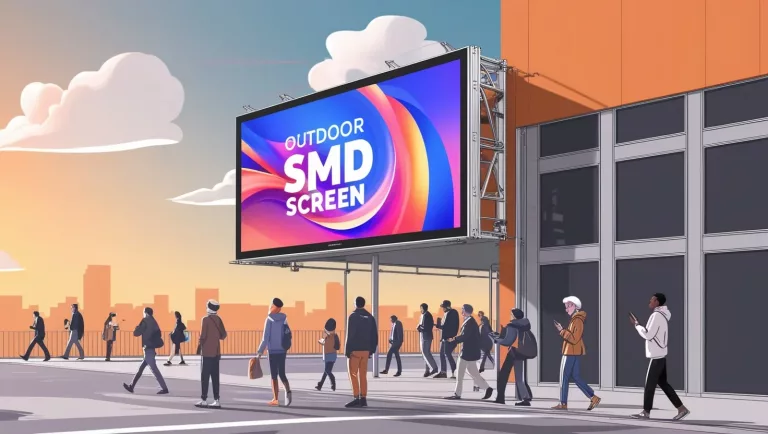
What to Consider Before Buying an SMD Screen for Outdoor Use Outdoor screens are a popular way for businesses to…
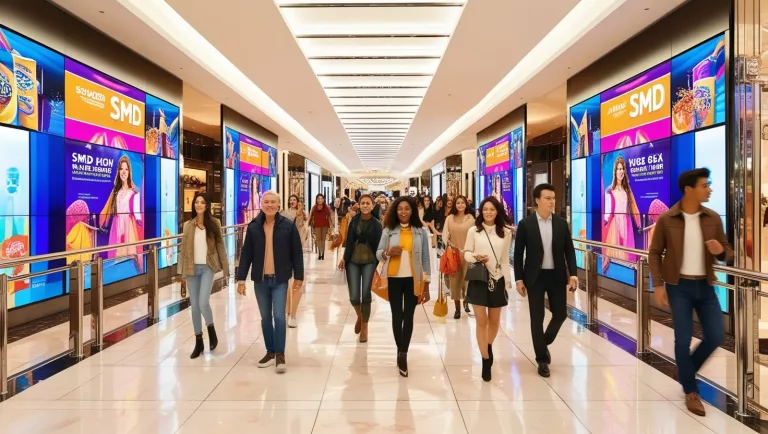
The main ways shopping malls use SMD LED screens: advertising, wayfinding, events, branding, food courts and store displays, plus how…
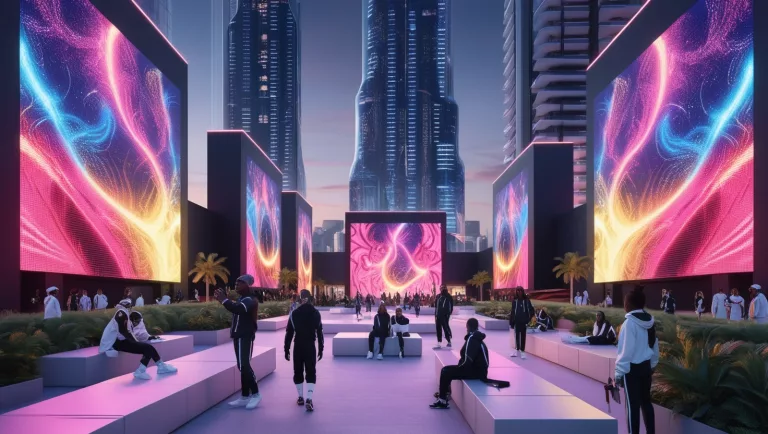
SMD Screens: A Strong Option for Large-Scale Digital Art Screens As digital art evolves, more artists are using new technologies…