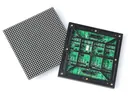
 Outdoor SMD Screens
 Indoor SMD Screens
 Flexible SMD Screens
SMD Screens in Sports Arenas | Enhancing the Spectator Experience
LED screens built with SMD technology are widely used in sports venues for live footage, replays, scores and sponsor content.…
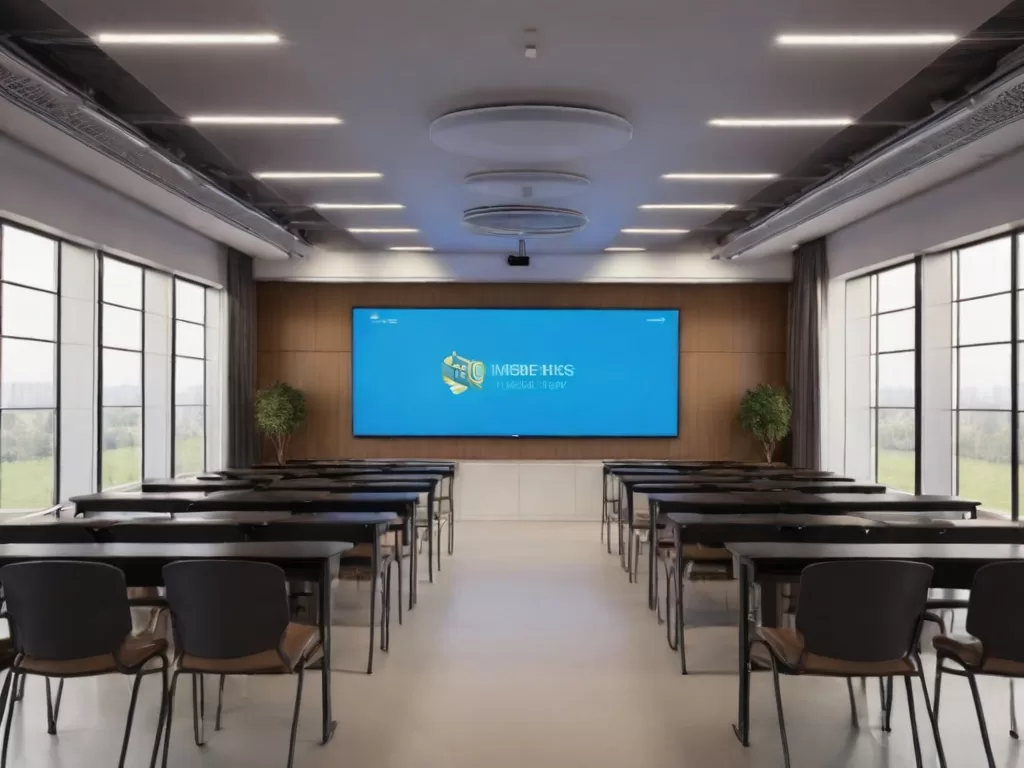
Technology plays a growing role in classrooms and campuses. One option schools and universities consider is SMD screens: LED displays built from Surface-Mount Device (SMD) LED packages. They are best suited to large spaces such as auditoriums, large lecture halls and campus signage, where a big, bright image is needed.
This article looks at what SMD screens can and cannot do in education, how they work alongside other classroom technology, and best practices for using them.
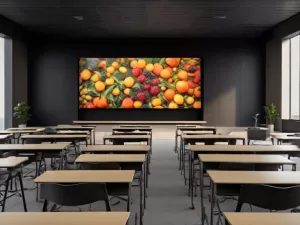
SMD screens in education give teachers a large, bright canvas for slides, videos, diagrams and live camera feeds. In big rooms, this can help students at the back see content that would be hard to read on a small TV or a projector in a bright room.
Clear visuals can make lessons easier to follow, and moving images can help explain processes that are hard to show on a whiteboard. How much a screen improves engagement depends on the teacher, the content and how it is used; the screen is a tool, not a guarantee of better results.
Interactive activities such as annotating, quizzes and collaborative problem-solving come from the software and input devices connected to the screen, for example a teacher’s laptop, a tablet, a separate interactive panel or student response systems. A standard LED wall is not a touchscreen.
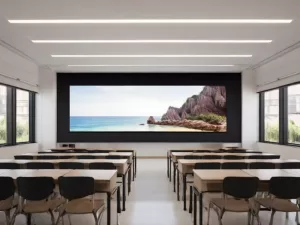
A large screen can help collaboration when it is part of a wider system:
For small classrooms where students work close to the board, interactive flat panels (LCD with built-in touch) are often more practical and affordable. LED screens are most useful where the room is too big or too bright for these.
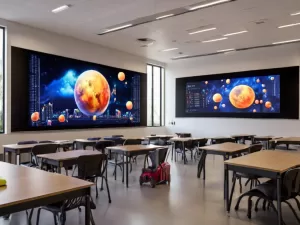
SMD screens are effective for visual presentation and information sharing:
LED screens can be built to many sizes and wall- or stand-mounted. Choose a pixel pitch suitable for the nearest viewers so small text stays readable. Good screen placement helps most students see clearly, but rooms with columns or wide layouts may need more than one screen.
Where touch interaction is needed, LED screens can be paired with separate touch systems or interactive panels, although this adds cost and complexity.
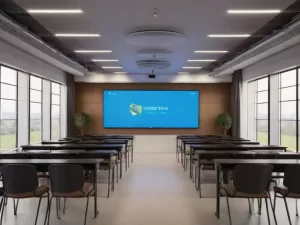
To get good value from SMD screens in education:
| SMD Screen Best Practices | Benefits |
|---|---|
| Position screens centrally with clear sightlines | Better visibility for most students |
| Pair the screen with suitable interactive tools and software | Enables annotation, quizzes and feedback |
| Incorporate multimedia elements in lessons | Can make lessons more engaging and easier to follow |
| Invest in audio and collaborative tools | Supports teamwork and clear communication in large rooms |
Q: What are SMD screens and how are they used in education?
A: SMD screens are LED displays built from Surface-Mount Device LED packages. In education they are mainly used for large, bright displays in auditoriums, lecture halls and campus signage.
Q: How do SMD screens improve student engagement?
A: Large, clear visuals and video can make lessons easier to follow and more interesting. The effect on learning depends on how teachers use the screen and the content shown.
Q: How can SMD screens be used in a classroom setting?
A: They can show presentations, videos, live camera feeds and output from learning software. Touch or pen interaction needs separate interactive hardware, as standard LED walls are not touchscreens.
Q: What advantages do SMD screens offer over traditional whiteboards?
A: They can show video, images and digital content at a large size. They do not replace writing surfaces; many classrooms use both.
Q: How do SMD screens cater to students with different learning styles?
A: They make it easy to combine images, diagrams and video. Audio needs a separate sound system, and hands-on activities need interactive tools or devices.
Q: Are SMD screens user-friendly for educators with limited technical experience?
A: With a simple control system and short training, most teachers can use them. Ask your supplier what training and support are included.
Q: Can SMD screens be used in non-traditional educational settings, such as museums or training centers?
A: Yes. They suit exhibits, live demonstrations and multimedia presentations in museums, training centres and similar spaces.
Q: What infrastructure is needed to support SMD screens in education institutions?
A: A suitable electrical supply installed by qualified electricians, a secure mounting structure, a video source or processor, audio, and a network connection if content will be managed remotely.
Q: Are there any privacy or security concerns?
A: Yes, mainly with connected software and cameras. Manage user access, keep systems updated and follow your institution’s data protection policies.
Q: In summary, what benefits can educational institutions expect?
A: Clearer visuals in large spaces, flexible campus communication and support for multimedia teaching. Learning outcomes depend on teaching practice, not on the screen alone.
SMD LED screens are a strong option for large, bright learning spaces such as auditoriums, large lecture halls and campus signage. They work best as part of a system that includes audio, presentation tools, interactive devices where needed, and learning software.
When schools match the screen to the room, plan sightlines, install safely and train staff, SMD screens can make content easier to see and lessons easier to follow. As always, the teaching approach matters more than the hardware.
Planning an indoor screen? See typical pitches and uses on our indoor SMD screens page, check the specifications of the BIA Indoor SMD Screen Module, or read the key differences between indoor and outdoor screens.
Contact Us For Free Consultation at 0306-1333384
Powered By BIA Communications
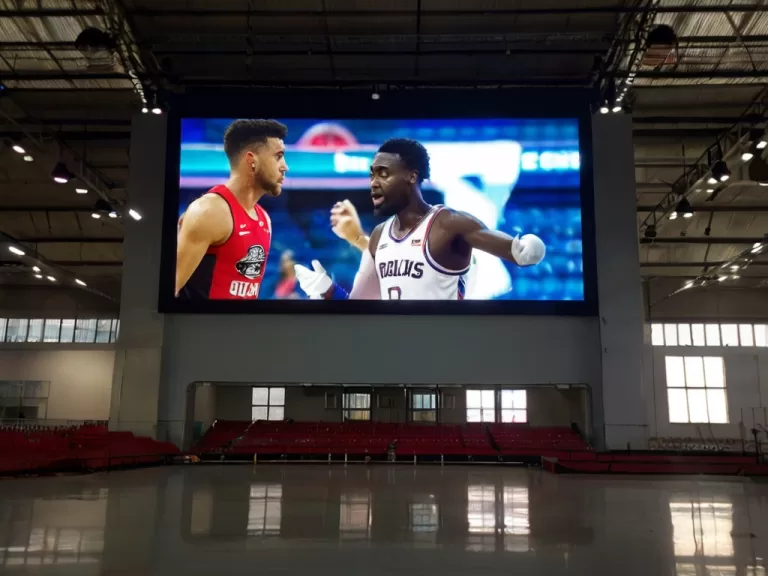
LED screens built with SMD technology are widely used in sports venues for live footage, replays, scores and sponsor content.…
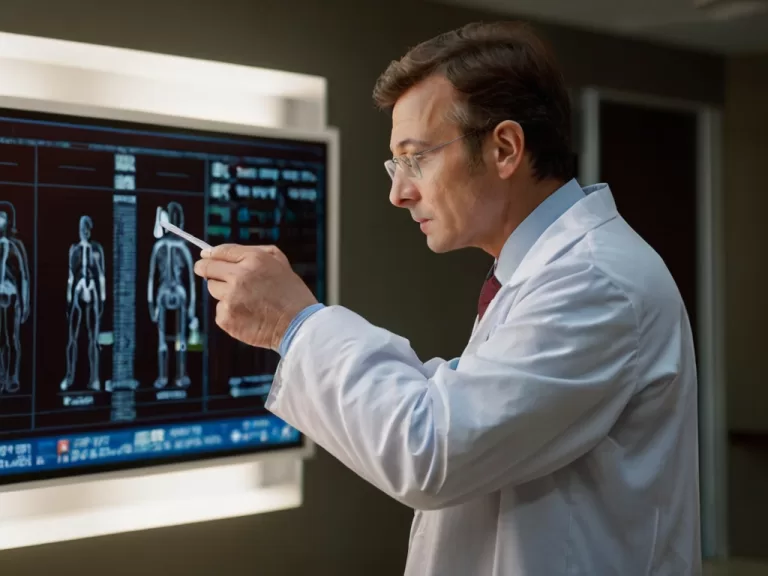
Where SMD LED screens fit in healthcare: patient information, wayfinding, education, and status or team-viewing walls in theatres and control…

"SMD" (Surface-Mount Device) is a way of mounting components on circuit boards, and it is used throughout consumer electronics. This…