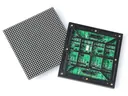
 Outdoor SMD Screens
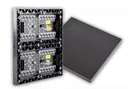 Indoor SMD Screens
 Flexible SMD Screens

How to Live-Stream an Event to Your SMD LED Screen
How to show a live event on your SMD LED screen: cameras, switchers, software, video processors, keeping delay low, remote…
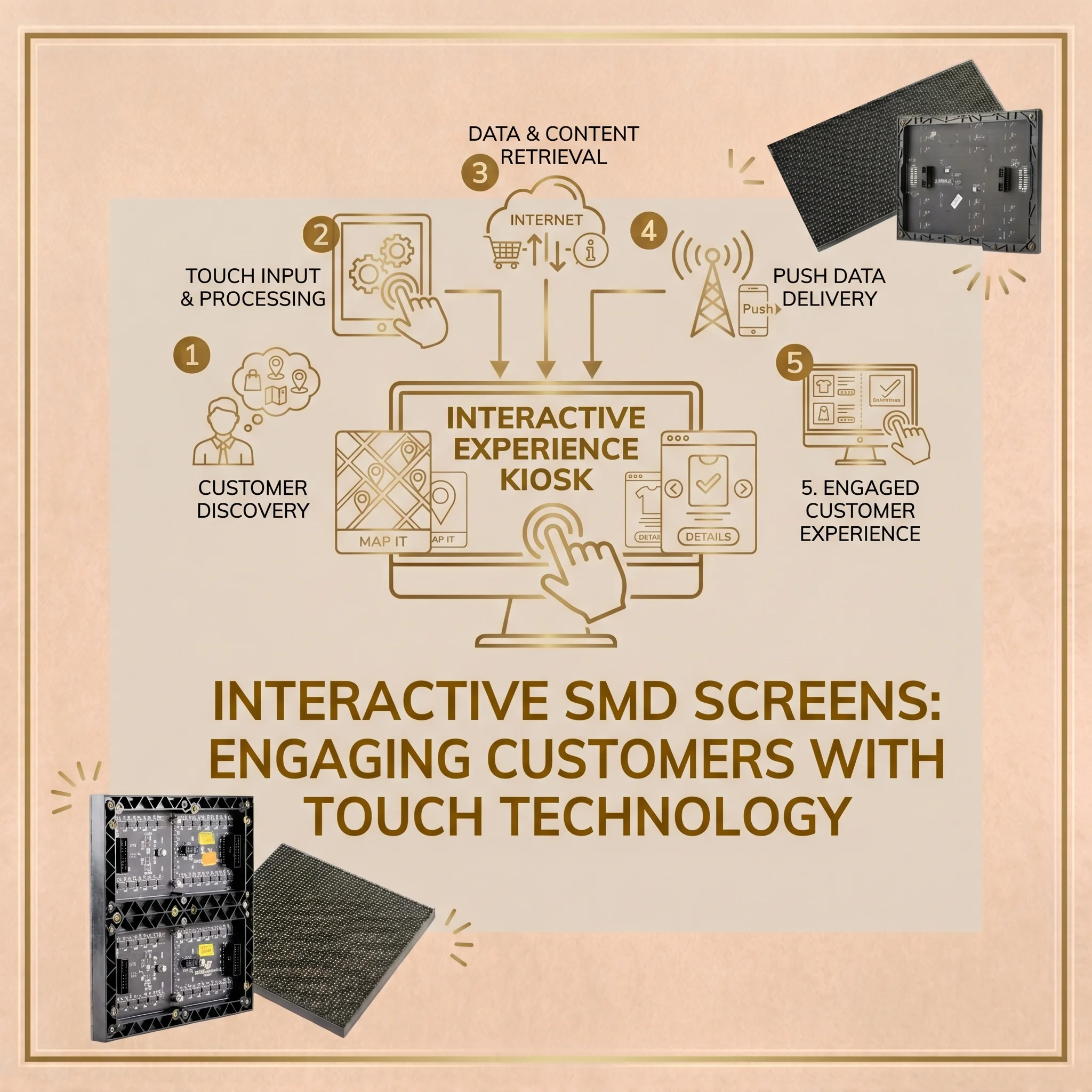
Shops, offices and institutions in Pakistan have long relied on printed posters and non-interactive screens. Customers, however, are used to touch interfaces on their phones, and some now expect to explore information themselves in shops, lobbies and museums. This is where interactive SMD screens can help.
An interactive display invites people to touch, explore and choose what they want to see, rather than only watching a fixed message. From fashion boutiques in Lahore to corporate lobbies in Islamabad, touch-enabled displays can offer a more personal experience than static signage.
In this guide we explain how interactive SMD screens work, where they are useful, what hardware is involved, and how to plan content, privacy and measurement. You can also discuss your project with SMD LED Screen.
Traditional digital signage is one-way: a screen plays a video loop to passers-by. If a customer wants more information, they have to find a member of staff.
Interactive displays add a two-way element. With a touch system and suitable software, customers can browse catalogues, zoom into product details and, where the business has integrated its systems, check availability or start an order.
This makes interactive displays a useful option for some commercial spaces, particularly where customers want detailed information or choice. They work best alongside, not instead of, helpful staff.
An LED screen on its own does not detect touch. An interactive SMD screen is a system that typically combines:
With an infrared frame, a finger interrupts beams across the screen surface; the computer works out the position and turns it into a tap or swipe. How many simultaneous touches are supported, and how quickly the system responds, depend on the specific touch frame, computer and software, so check these in the specification. Responsiveness should be tested with the actual content before launch.
The LED display provides the bright, colourful image. For screens people stand close to, choose a fine pixel pitch so the image looks sharp at arm’s length.
Letting people explore at their own pace can make information more engaging and memorable than a passive video. A shopper who rotates a 3D model of a watch, or chooses colours for a car, is actively exploring the product.
Interactive displays also give customers control: instead of waiting for help, they can look up what interests them. Whether this increases sales or satisfaction for your business depends on the content, the setting and the products, so measure results rather than assuming them.
Retail is a natural fit. One common idea is the “endless aisle”.
A shop cannot display every size and colour. An interactive display linked to the retailer’s inventory system can show the wider range, and let customers check availability or request delivery, if the retailer has built that integration.
Some brands use virtual try-on or “magic mirror” systems, which add cameras and augmented reality software. These raise privacy questions: tell customers clearly when a camera is in use, process images only for the try-on, avoid storing them unless the customer agrees, and follow applicable law.
Interactive displays are also used in corporate settings.
In a lobby, visitors can browse a company timeline, watch project videos or explore locations on an interactive map, which can make a strong first impression.
In meeting rooms, interactive displays can be used for presentations, annotation and video calls alongside existing tools. Large-format interactive LCD panels are also common in meeting rooms; the right choice depends on room size, viewing distance and budget.
Universities and museums can use interactive displays alongside traditional exhibits and teaching.
For example, a museum could let visitors explore an interactive map of historical sites and tap regions to play short videos, adding to printed labels.
In teaching, lecturers can use large displays to show and rotate 3D models, such as anatomical models, for a whole class. Content should be checked by subject experts, and accessible alternatives provided.
A successful interactive project depends on the whole system working together. Work with a supplier who can specify the display, touch system and computer as a package, and confirm compatibility before ordering.
For indoor showrooms and offices where people stand close, a fine-pitch indoor display is the starting point. Browse the Products at SMD LED Screen catalogue, including the BIA Indoor SMD Screen Module, and ask us whether a particular pitch and touch frame suit your design.
Outdoor interactive installations are more demanding: the display, touch system, computer and enclosure all need to suit sun, heat, rain and public use. The BIA Outdoor SMD Screen Module is an outdoor display; touch hardware and enclosures for outdoor use must be specified separately. For many outdoor sites, QR codes or phone-based interaction are more practical than touch.
For premium indoor spaces, the BIA HDR 4K LED Video Wall is another display option to discuss; touch capability depends on adding a compatible touch system.
The hardware provides the canvas; the software and content drive engagement. Designing for a large interactive display is different from designing a website or phone app.
Touch targets should be large and obvious, placed within comfortable reach (including for wheelchair users and children), and navigation should be understandable within a few seconds.
Give immediate visual feedback when someone touches the screen, such as a highlight or animation, and include an obvious way to return to the start. Test with real users before launch.
Any investment should be measured against clear goals. One advantage of interactive displays is that software can record how the display is used.
Anonymous, aggregated data, such as which products are tapped most, how long sessions last and where people stop, can help improve content. Avoid collecting personal data unless it is necessary; if you do, give a clear notice, obtain consent where required, keep it secure, retain it only as long as needed, and comply with applicable law.
Compare these measures with sales or enquiries over the same period to judge whether the display is helping. Results vary by business, so set realistic expectations. You can follow our updates on our Official Facebook Page.
Interactive display technology continues to develop. Some systems already offer camera-based audience analytics, such as estimating age range or gender. These raise significant privacy, accuracy and bias concerns; if considered at all, they require a clear legal basis, visible notices, data minimisation, security and expert legal advice. Simpler, anonymous approaches are often enough.
Phone-based interaction, such as QR codes or NFC tags that open a brochure or offer on the user’s phone, is another growing option. Any payment features must be built on secure, compliant payment systems. As these technologies mature, interactive displays are likely to become more common in Pakistani commercial spaces.
Well-planned interactive SMD screens can offer businesses several benefits:
With the right hardware, thoughtful content and responsible use of data, interactive displays can be a valuable tool for retailers, companies and institutions in Pakistan.
Thinking about an interactive display for your shop, lobby or institution? Contact us to discuss your idea, the display options and what touch hardware and software it would need, and to request a written quotation.
1. How do interactive SMD screens register human touch?
An LED screen does not sense touch by itself. A touch frame, commonly infrared, is added around the screen. When a finger interrupts the beams, the system calculates the position and converts it into a tap or swipe.
2. Can multiple people use interactive SMD screens at the same time?
Many touch frames support multi-touch, but the number of simultaneous touches, and whether the software supports several users at once, depends on the specific hardware and software. Check the specification and test with your content.
3. Are interactive SMD screens fragile in retail stores?
LED modules can be damaged by impact, so screens that people touch need appropriate protection, chosen for the specific design. Discuss protection, mounting height and cleaning with your supplier, and follow the manufacturer’s guidance.
4. Can I use interactive SMD screens outdoors in direct Pakistani sunlight?
It is possible but demanding. The display must be outdoor-rated, such as the BIA Outdoor module, and the touch system, computer and enclosure must also suit sun, heat and rain. Sunlight can affect some touch systems. For many outdoor sites, QR codes or phone-based interaction are a simpler choice.
5. How can interactive SMD screens support retail sales?
When linked to the retailer’s inventory and ordering systems, an interactive display can offer an “endless aisle”, letting shoppers browse items not on the shop floor and request them. The effect on sales depends on the business, so measure results.
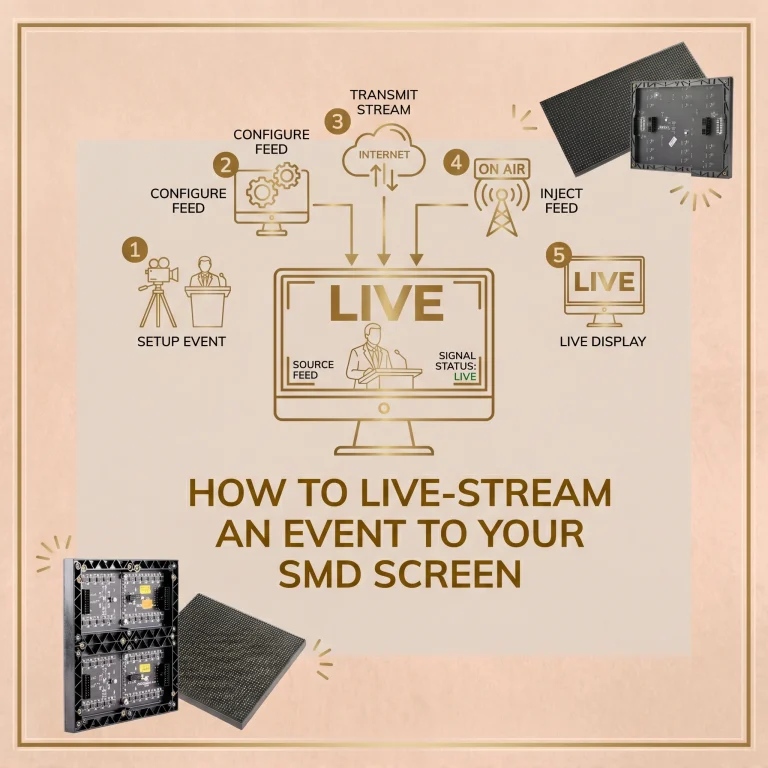
How to show a live event on your SMD LED screen: cameras, switchers, software, video processors, keeping delay low, remote…

Large public gatherings, including political rallies, often use LED screens so people far from the stage can see speakers. This…
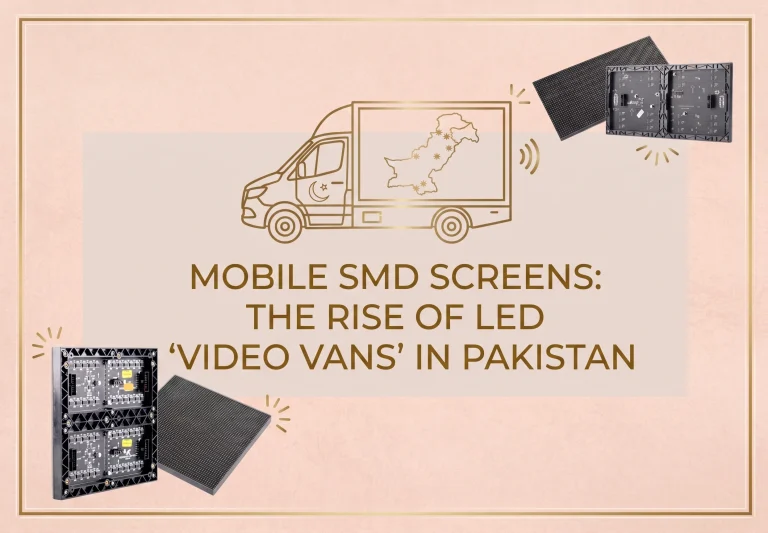
Mobile SMD screens mounted on vans, trucks and trailers let advertisers take moving digital content to different locations. This guide…