A Comprehensive Guide to SMD Screen Installation for Businesses

Introduction
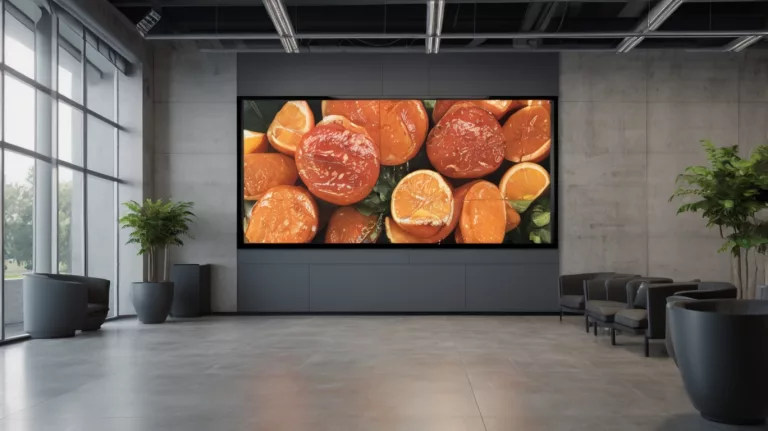
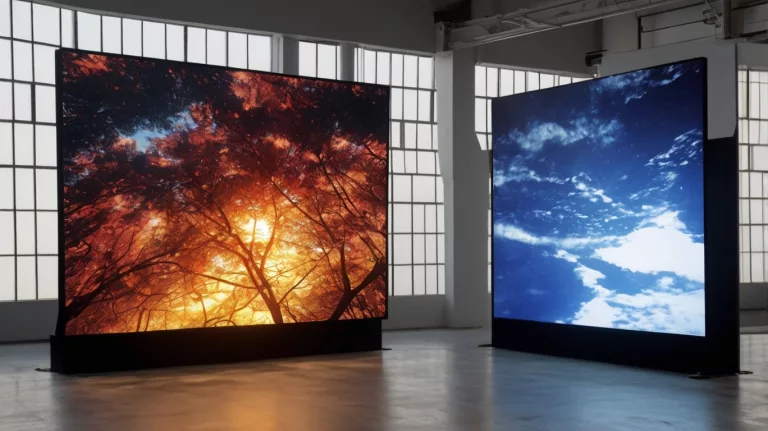
Digital displays have become an important part of how businesses communicate and engage customers. Whether you want to attract foot traffic to a retail store, share information in a corporate space or show dynamic content in a public area, SMD screen installation can help. This guide walks through the main steps and decisions in a commercial screen setup, so you know what to plan and what to ask your supplier and installers.
What Are SMD Screens?
SMD screens (Surface-Mount Device) are LED displays in which the red, green and blue LED chips sit together in one small package mounted on the circuit board. Compared with older through-hole (DIP) LED displays, SMD typically allows finer pixel pitches, smoother images and wider viewing angles, which is why it is widely used for indoor screens and many outdoor screens. DIP is still used where very high brightness at coarse pitches is needed.
Why Businesses Use Commercial Screen Setups
More businesses are recognising the impact good digital displays can have on visibility and branding. SMD screens are used across retail, hospitality, corporate environments and entertainment.
- Retail stores use SMD screens to promote products and sales.
- Corporate offices use them in conference rooms and lobbies.
- Public spaces like airports and shopping malls use them to share up-to-date information.
Types of SMD Screens for Businesses
When planning an SMD screen installation, start by choosing the right type:
- Indoor SMD Screens: Fine pitches for clear visuals at close distances in conference rooms, shops and offices.
- Outdoor SMD Screens: Higher brightness for daylight and weather-resistant cabinets, for example IP65 (dust-tight and protected against low-pressure water jets).
- Custom-Fit Displays: Modular screens built to unusual sizes or shapes to suit your space.
Step-by-Step LED Display Installation Guide
A typical project follows these steps. The physical installation, structure and electrical work should be carried out by qualified professionals following the manufacturer’s guidance.
- Define the purpose and content: Decide what the screen will show (video, text, data) and who will watch it. This drives every other choice.
- Measure the site: Record the nearest and farthest viewing distances, available wall or structure size, sightlines, ambient light and access for maintenance.
- Choose pitch, size and brightness: The nearest viewing distance and smallest text guide the pixel pitch; the farthest distance guides screen size; ambient light guides brightness.
- Check permissions: Outdoor and facade screens may need approval from the local authority or building owner.
- Design the structure: A qualified structural engineer should confirm that the wall, frame or pole can carry the screen’s weight and, outdoors, wind loads.
- Plan the electrical supply: A licensed electrician should size the supply, protection and earthing using the screen’s maximum power figures.
- Install and connect: Mount cabinets, connect power and data, and set up the controller, following the manufacturer’s instructions.
- Calibrate and test: Check brightness, colour uniformity and content at the actual viewing positions before handover.
Structural Considerations for SMD Screen Installation
- Mounting Options: Screens can be mounted on walls, poles or custom-built structures depending on size and location.
- Stability: Larger installations need structures designed for the screen’s weight and environmental loads.
- Weather Protection: Outdoor screens should be outdoor-rated, with sealed connections and drainage and ventilation as specified by the manufacturer.
- Service Access: Decide whether the screen will be serviced from the front or the rear, and leave space accordingly.
Content Setup for Commercial Screen Displays
Once the screen is installed, focus on content. Good screen content is eye-catching and easy to understand at a glance: bright colours, short messages and, where useful, live information. Design content at the screen’s native pixel resolution. Many businesses benefit from professional help with content.
Software Solutions for Managing SMD Screens
Content is managed through control and content management software. Look for features such as remote updates, scheduling, multi-screen management and status monitoring.
Maintenance Tips After Installation
- Cleaning: Dust can reduce brightness and block ventilation. Clean only as the manufacturer advises, with the screen switched off.
- Inspection: Check fixings, cables, seals and ventilation regularly, especially outdoors. Electrical checks should be done by qualified technicians.
- Software Updates: Keep controller and content software up to date.
Costs to Plan For
The initial investment in SMD screen installation includes the screen, structure, electrical work, controller and installation. Running costs include electricity (which depends on size, brightness and hours), content and maintenance. Compare these against the benefits you expect, such as reduced printing and more flexible promotions.
Common Challenges in SMD Screen Installation
- Electrical Issues: Inadequate supply or poor earthing can cause faults; always use a licensed electrician.
- Environmental Challenges: Outdoor screens face heat, dust and rain, so correct ratings, ventilation and maintenance matter.
- Content Mismatch: Content designed for a different resolution or aspect ratio can look poor, so plan content with the screen.
SMDLED: SMD Screens in Pakistan
Looking for an SMD screen for your business? SMDLED supplies SMD screens for indoor and outdoor use to customers in Karachi, Lahore, Islamabad and other cities. Our range includes our own BIA brand, and we can help you choose a suitable screen for your site.
Best Practices for Maximizing the Impact of Your SMD Screen
Place the screen where your audience naturally looks, update content regularly to keep it fresh, and avoid repeating the same loop for too long. Measure results, for example with promo codes or footfall counts, to see what works.
Example Uses
The following are illustrative examples, not documented case studies. A retailer might install an outdoor screen above its entrance to promote weekly offers, while a corporate office might use an indoor video wall in reception for brand films and visitor information.
Conclusion
SMD screen installation can change how your business communicates with customers and employees. With careful planning, qualified installation and regular maintenance, a commercial screen setup can give reliable service for years.
FAQs
- How long does it take to install an SMD screen?
- It depends on the size, structure and site. Small indoor screens may be installed quickly, while large outdoor screens with new structures and electrical work can take considerably longer, plus time for approvals and planning.
- Can SMD screens be used in extreme weather conditions?
- Outdoor-rated SMD screens are designed for rain, heat and dust. Check the IP rating and operating temperature range for the specific model, and plan for ventilation and maintenance.
- What size SMD screen should I choose for my business?
- It depends on the space available, the viewing distances and the content you plan to show.
- How often should I maintain my SMD screen?
- Follow the manufacturer’s maintenance schedule. Many businesses do visual checks and cleaning every few months, with more frequent checks for outdoor screens in dusty locations.
- What is the average lifespan of a commercial SMD screen?
- It varies with the model, operating hours, brightness, climate and maintenance. Check the manufacturer’s rated lifetime and warranty for the specific product.
Ready to plan your screen? Read our SMD screen price guide, avoid the common installation mistakes, or browse our SMD screen products.
Planning a screen?Call 0306-1333384 or send your size and location for a free quote.
Contact us Outdoor SMD Screens
 Indoor SMD Screens
 Flexible SMD Screens