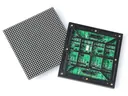
 Outdoor SMD Screens
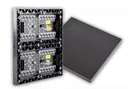 Indoor SMD Screens
 Flexible SMD Screens

Enhancing Customer Experience with SMD Screens in Restaurants and Cafes
SMD Screens For Restaurants Enhancing Customer Experience In the dining industry, a good customer experience helps bring people back. SMD…


Schools, colleges and universities are using technology to create more engaging environments for students, faculty and staff. One option is SMD screens in education for digital signage and large-format displays. From campus announcements to lecture halls, educational LED displays can improve how institutions communicate. In this article, we look at the main ways digital signage is used in education and what to consider when choosing SMD screens.
With digital signage for schools, institutions can share announcements quickly and present information in an engaging way, from events to timetable updates.
SMD screens can be used for lecture halls, digital noticeboards and campus-wide announcements, supporting both academic and administrative work.
Digital noticeboards can show daily schedules, exam dates, extracurricular activities and sports events. Because content can be updated quickly, information is easier to keep current, provided someone is responsible for checking and updating it.
Large LED screens in lecture halls and auditoriums help everyone see presentations, videos and diagrams, even in big rooms. Choose a pixel pitch that suits the distance from the front row, so text stays readable.
Touch interaction in classrooms usually comes from interactive flat panels or touchscreens, which are a different product from LED video walls. LED walls can be paired with interactive elements, such as students responding to quizzes or polls on their own devices, with results shown on the big screen.
On large campuses, digital signage can display maps and directories to help students and visitors find classrooms, departments and facilities. Interactive maps need touchscreens or kiosks; LED screens can show clear, updated directional information.
Screens can promote clubs, sports fixtures, achievements and events such as tournaments and concerts, helping build participation and school spirit.
Networked screens make it easier to share assembly notices or administrative updates across a campus, alongside emails and other channels.
Digital signage can support safety communication by showing evacuation routes, drills and safety reminders, and, where integrated, supplementary emergency messages. Screens should support, not replace, the institution’s fire alarms, PA systems and emergency procedures, which must keep working if screens lose power. Any automated alerts should be planned with the institution’s safety team and tested regularly.
Screens can show an institution’s mission and values and celebrate student achievements, from academics and sports to community service, helping build pride.
LED screens reduce printing for notices and posters. They use electricity (depending on size, brightness and operating hours) and need occasional maintenance. Compared with projectors, LED walls avoid lamp replacements and stay bright in lit rooms, but the upfront investment is usually higher. Plan both the purchase and the running costs.
Depending on the content management software used, signage can sometimes pull information from school management systems or calendars. Compatibility with a particular learning management system (LMS) or school software should be checked case by case.
SMDLED supplies SMD screens for schools, colleges and universities in Karachi, Lahore, Islamabad and other cities, including our own BIA range. Visit our Products Page to explore the range, or learn more about BIA at biasmd.com.
SMD screens can improve communication and support learning in educational institutions, from lecture halls to campus announcements. With the right pitch, size, software and maintenance plan, educational LED displays can be a valuable part of a modern campus.
Planning an indoor screen? See typical pitches and uses on our indoor SMD screens page, check the specifications of the BIA Indoor SMD Screen Module, or read the key differences between indoor and outdoor screens.
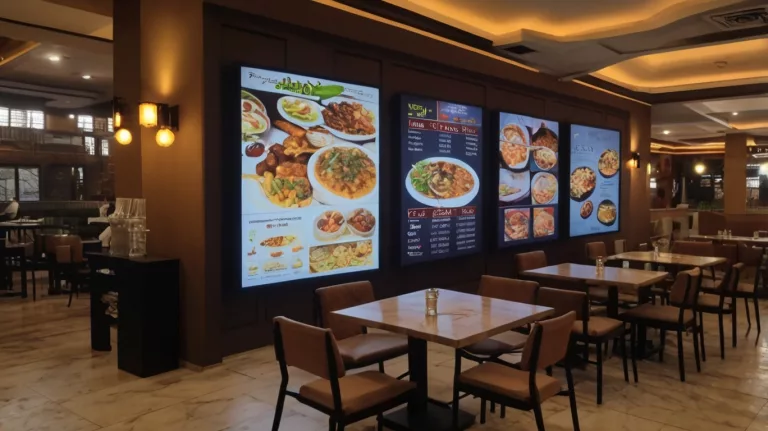
SMD Screens For Restaurants Enhancing Customer Experience In the dining industry, a good customer experience helps bring people back. SMD…
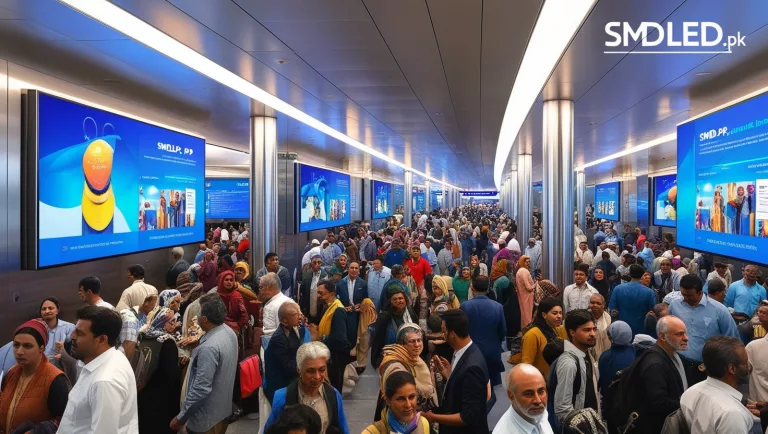
How SMD Screens Improve Communication in Transportation Hubs Clear communication matters in transportation hubs, where many travellers rely on current…
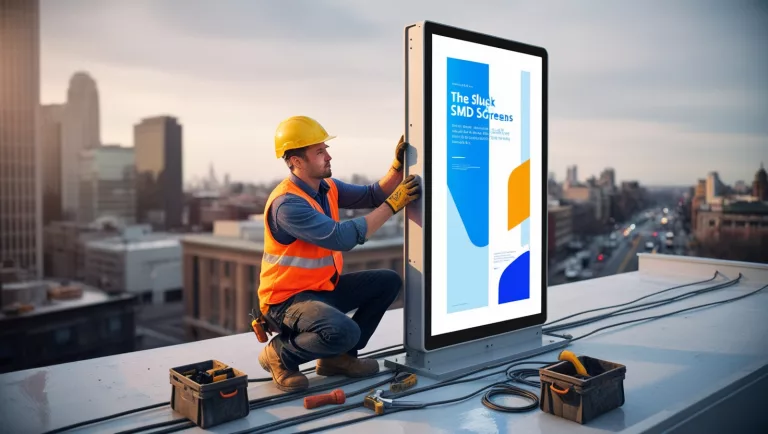
5 Common Mistakes to Avoid When Installing an SMD Screen Installing an SMD screen can transform a commercial space, whether…