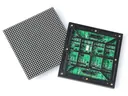
 Outdoor SMD Screens
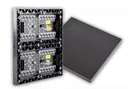 Indoor SMD Screens
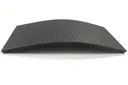 Flexible SMD Screens

How Outdoor LED Screens Support Better Audience Engagement and Visibility
A printed billboard carries one message until it is replaced. An outdoor LED screen can carry several messages in a…
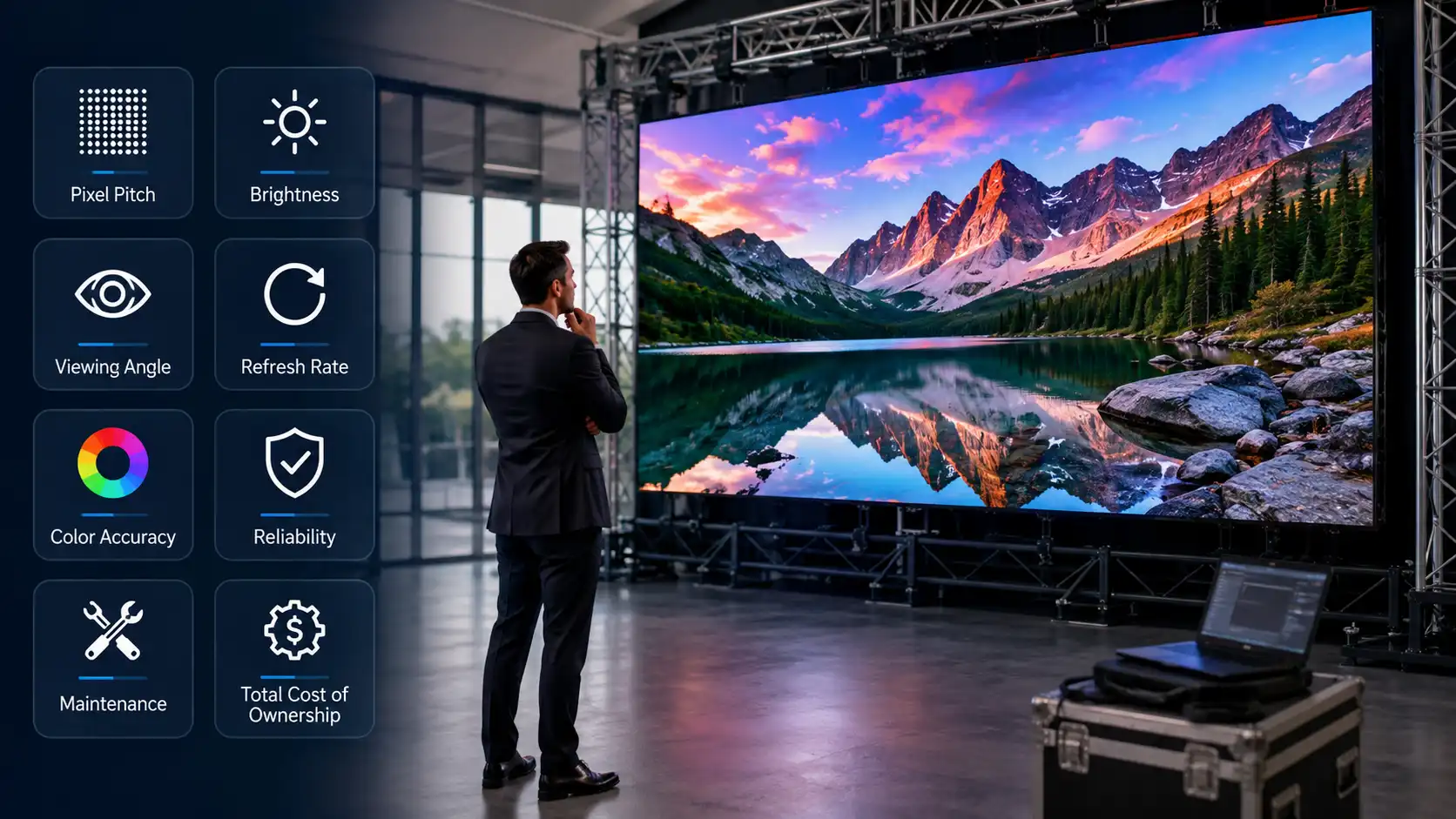
Two SMD screens can carry identical pixel pitch on the quotation and behave quite differently after eighteen months. The difference often sits in components buyers rarely ask about: lamp bin consistency, driver IC grade, power supply headroom and warranty wording. This guide lists twelve features that affect image quality, service life and running cost, in the order a professional buyer should verify them.
Pixel pitch is the centre to centre distance between lamps. A common working rule is that the minimum comfortable viewing distance in metres roughly equals the pitch in millimetres, so a 2.5 mm screen reads clearly from about 2.5 m. Specifying a tighter pitch than the room needs can waste budget, because the extra resolution may not be visible from where people actually sit.
Indoor modules typically deliver around 450 to 600 nits or more. Outdoor modules are typically rated at several thousand nits, for example 4000 to 5000 nits. Placing an indoor module behind glass facing a sunlit street usually produces a washed out display that processor settings cannot fix. Take a lux reading at the installed position before approving brightness.
Refresh rate affects camera performance. Panels at 1920 Hz are more likely to show scan bands on video; 3840 Hz usually reduces them at normal shutter speeds. Frame rate should normally be 50 Hz or 60 Hz. Greyscale depth is a specification few quotations mention: higher bit depth processing (for example 14 or 16 bit) helps preserve detail in dark scenes, while low bit depth can produce banding across gradients.
Ask for contrast ratio, colour gamut, brightness uniformity and colour temperature range in writing, and compare them across quotations. Ask whether pixel by pixel brightness and chroma correction is applied at the factory and whether the correction file ships with the screen. Without it, modules from different batches can show visible patches on a white test frame.
Lamps are sorted into brightness and wavelength bins. Modules built from mixed bins can look uniform on day one and drift apart over time. Ask for the lamp manufacturer name and bin information in writing, and for all modules for one screen to come from a single production batch.
Constant current driver ICs help hold brightness steady as supply voltage moves, which matters on a 230 V supply that can sag under load. Power supplies should have headroom above the peak load; many designers aim to run them at no more than about 80 percent of rated capacity at peak white. A supply sized exactly to peak draw runs hotter and is more likely to fail early.
The receiving card and processor affect scan quality, low brightness performance and how the screen behaves during a power event. Ask for the brand and model of both, confirm the processor supports your source resolution, and confirm a spare receiving card is stocked locally.
Good surface flatness between cabinets helps prevent visible seam shadows; ask for the flatness tolerance in the specification. Front maintenance access lets a technician replace a module without dismantling the structure, which matters where the screen sits tight against a wall. Die cast aluminium cabinets generally hold alignment well over time.
Outdoor screens should carry an IP65 rating at the front and a rear rating suited to the installation. Ask for the front and rear ratings separately, because many modules protect the face better than the back. The rated operating temperature range must cover the conditions measured at your site, including summer peaks; in Lahore these can approach 45 C, which is above the upper limit of some products, and the inside of a cabinet or enclosure can be hotter still. Indoor and semi outdoor modules carry lower ratings and belong under cover.
This is often missing from quotations, and it drives your electricity bill. Ask for both average and maximum watts per square metre for the exact model, as figures vary widely between indoor and outdoor products and between models. To estimate energy use: multiply average watts per square metre by the screen area to get total watts, divide by 1,000 to convert to kilowatts, then multiply by daily operating hours and the number of days to get kilowatt-hours (units). Multiply the units by the per-unit rate shown on your own current electricity bill to estimate the energy cost.
Warranty length varies by product type, and the variation is not necessarily a quality signal. Indoor products often carry longer cover than outdoor products, which face more thermal and weather stress; check the actual terms for each product. Read what the document excludes: lightning, water ingress through third party structures and voltage damage are common exclusions.
Installation, commissioning and service response matter as much as the panel. Confirm the supplier holds spare modules for your exact model inside Pakistan, has a trained installation team, and can provide relevant references. SMDLED treats local engineering capability as a core requirement. More about us is on our company profile.
The table below gives typical starting points only. Confirm the exact figures with the datasheet of the product you are considering.
| Deployment | Pitch | Brightness | Refresh | Protection |
| Boardroom or control room | About 0.9 to 1.5 mm | Indoor level, adjustable | 3840 Hz | Indoor, front service |
| Retail showroom wall | About 1.8 to 2.5 mm | Indoor level, adjustable | 3840 Hz | Indoor |
| Auditorium or banquet stage | About 2.5 to 3 mm | Indoor level, adjustable | 3840 Hz | Indoor, rigging rated |
| Building facade or roadside board | About 4 to 10 mm | Outdoor level (several thousand nits) | 1920 to 3840 Hz | IP65, operating range suited to site temperatures |
| Drive through or forecourt (outside any hazardous zone) | About 5 to 8 mm | Outdoor level | 1920 Hz or higher | IP65, surge protected |
| Hall or campus information board | About 3 to 4 mm | Indoor level | 1920 Hz or higher | Indoor |
Relabelled or refurbished modules are sometimes sold as new in any market. These checks at handover can help you spot questions to raise with the supplier before payment clears. None of them alone proves a module is refurbished.
Compare quotations on five year cost, not just sticker price. Build the comparison in six lines.
| Cost line | What to request from the supplier |
| Capital cost | Modules, cabinets, processor, power distribution, structure and installation itemised separately |
| Electricity across five years | Average W per square metre × area ÷ 1,000 = kW; kW × daily hours × days = units (kWh); units × the per-unit rate on your own bill |
| Stabilisation and backup | Stabiliser and UPS sizing for the processor and receiving cards |
| Preventive maintenance | Cleaning and inspection frequency, quoted per visit |
| Spare modules | A quantity recommended for your screen size and maintenance plan, from the same batch, quoted with the main order |
| Content operation | Who schedules content, and on which software licence |
A screen with a higher price but lower power draw and longer expected life may cost less over five years, but this is not automatic: work through the numbers for each quotation, using datasheet power figures and realistic lifespan and maintenance assumptions. The revenue side is covered in how SMD screens improve digital advertising performance.
| Condition | Impact on your purchase | Action |
| Voltage fluctuation on the 230 V supply | Higher risk of power supply and driver failure | Stabiliser and surge protection designed and installed by a qualified electrician |
| Electricity running cost | Energy can be a significant five year cost line | Compare average W per square metre between quotations and estimate units using the method above |
| Lahore summer peaks approaching 45 C | Site temperatures can exceed the upper rated limit of some outdoor products, especially inside enclosures | Choose products rated for the measured site conditions and provide ventilation clearance and shading as the manufacturer specifies |
| Smog season in winter months | Particulate settles on module faces and reduces visible output | Agree a cleaning schedule inside the maintenance contract |
| Monsoon season | Water ingress through structure penetrations | IP65 modules plus sealed cable entry and a drip loop |
| Import lead times on non standard models | One failed module can leave a gap in the screen for weeks | Buy spares from the original batch with the main order |
Match the requirement to the right product family before comparing prices. Interior deployments run through our indoor SMD screen solutions, weather exposed sites through outdoor SMD screen solutions, slim architectural builds through the ultra thin SMD LED screen module, and calibrated high resolution walls through the HDR 4K SMD video wall.
Send your viewing distance, ambient light condition, mounting surface and daily operating hours. These four inputs are the starting point for the right specification. Browse the complete SMD screen product range, read further technical breakdowns on our display technology blog, then request a site survey and itemised quotation from our SMDLED Lahore engineering team.
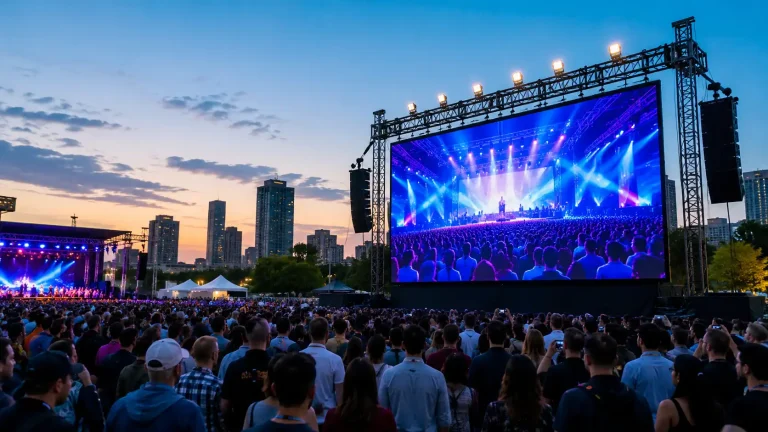
A printed billboard carries one message until it is replaced. An outdoor LED screen can carry several messages in a…
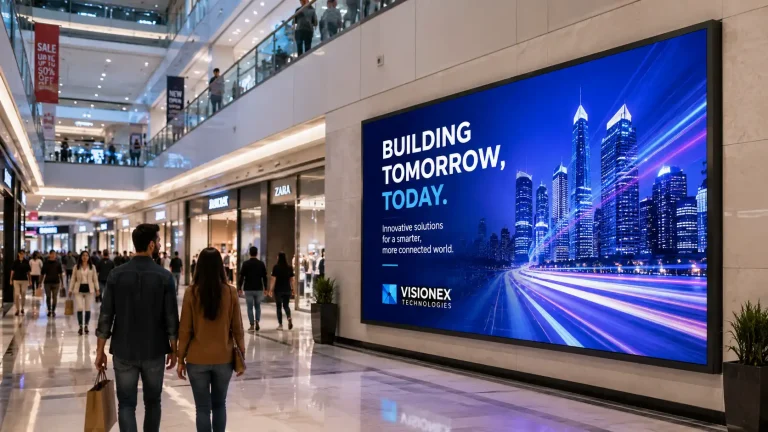
Why businesses choose high resolution indoor SMD screens: pixel pitch and viewing distance, the specifications to check on a datasheet,…
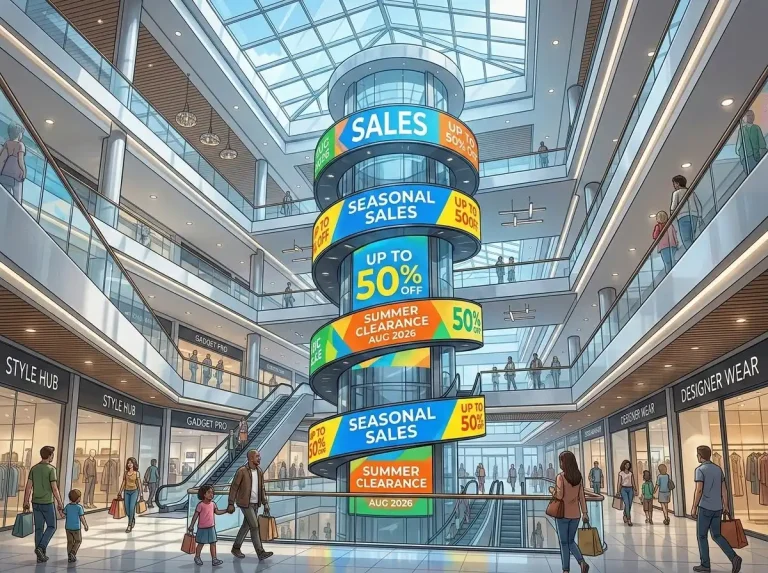
A shopping mall is never just one advertising environment. A visitor may notice a brand message when entering through the…