 Outdoor SMD Screens
 Indoor SMD Screens
 Flexible SMD Screens

Benefits of Outdoor SMD Screens for Business Advertising in Pakistan
People passing through a busy commercial area see dozens of billboards every day, and many fade into the background. A…
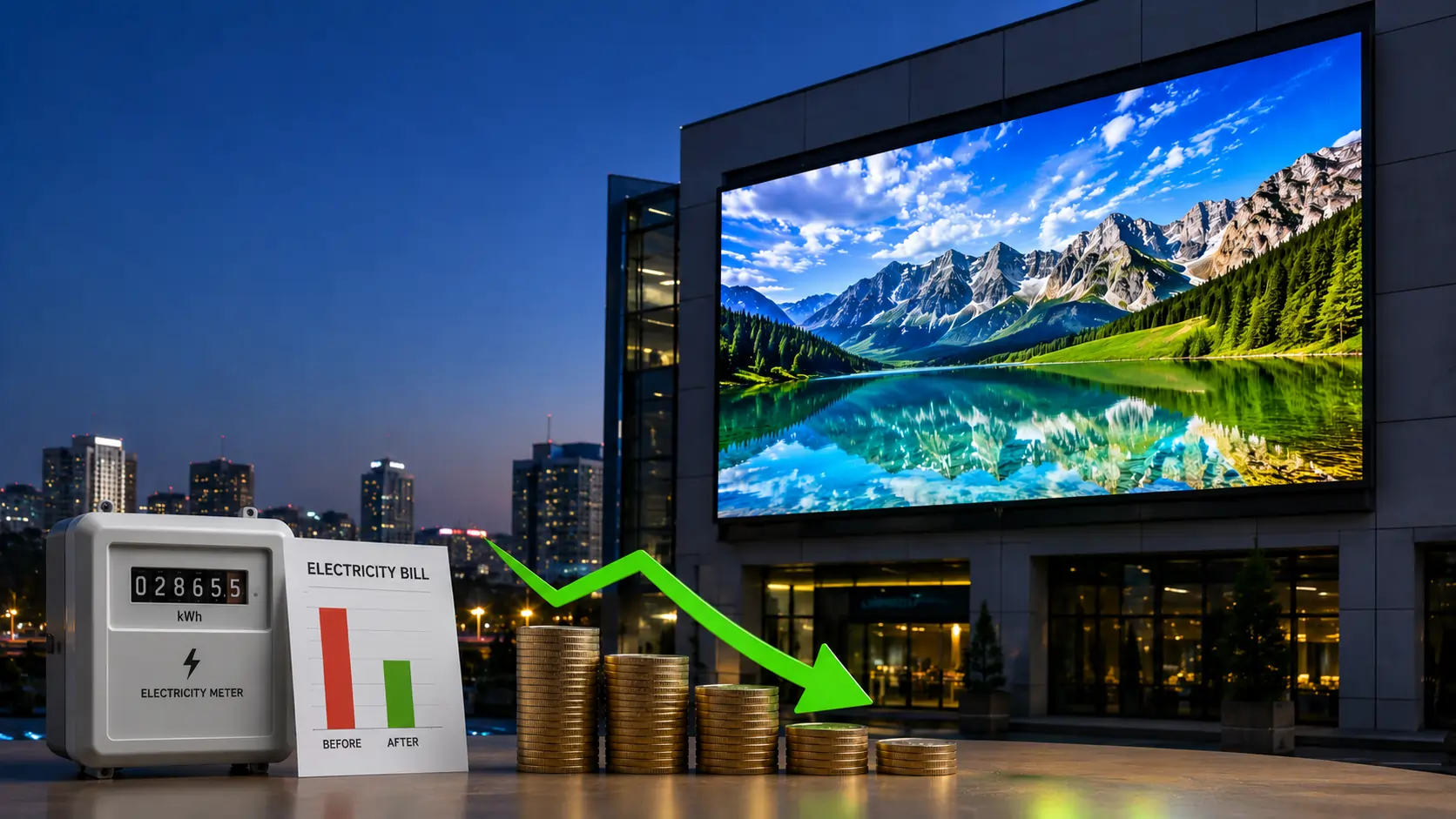
Rising electricity costs are a concern for many businesses in Pakistan. SMD LED technology appears in two different places in a business: in lighting (LED lamps, panels and strips) and in LED display screens. They affect your electricity bill in different ways, so this article explains each separately and shows how to estimate the effect for your own premises.
Incandescent bulbs turn most of the electrical energy they use into heat rather than light, and fluorescent tubes are also generally less efficient than modern LED lighting. Replacing older lighting with good-quality SMD LED lighting products can reduce the energy used for the same amount of light, which is useful for plazas, shops and factories with long operating hours.
The saving depends on what you are replacing, the efficiency of the new products, and how many hours the lights run. Compare the wattage of old and new fittings and multiply the difference by operating hours to estimate the saving.
Indoor LED screens are used for promotions and messaging. They do not replace room lighting; a new screen adds an electrical load. However, modern LED screens can be efficient for the brightness they deliver, and their consumption can be controlled with good settings.
If a screen replaces an older display, such as a projector or an older, less efficient screen, it may use less power, but this depends on the specific products. Compare datasheet figures.
Outdoor screens need high brightness in daylight, which uses more power. Automatic brightness control, using a light sensor or schedule, lowers brightness in the evening and at night, reducing consumption while keeping content readable.

A screen’s power use depends mainly on its size, the specific product’s efficiency, the brightness setting and the content shown. Pixel pitch affects resolution and cost, but power should be compared using each model’s datasheet figures. Running screens at the brightness actually needed, rather than at maximum, is one of the simplest ways to save energy.
For a screen: average watts per square metre (from the datasheet) × area ÷ 1,000 = average kW; × daily hours × days = units (kWh). For lighting: total watts of fittings ÷ 1,000 × hours × days = units. Multiply units by the per-unit rate on your own electricity bill to estimate cost, and compare before and after.
Correct installation and settings help screens run efficiently and reliably. SMD LED can help you choose products, and set up brightness schedules on the screens we supply. Electrical work should be carried out by a qualified electrician.
| Feature | Incandescent / older fluorescent | Good-quality LED lighting |
| Power for the same light | Higher | Generally lower |
| Heat output | Higher (especially incandescent) | Lower |
| Rated lifespan | Generally shorter | Generally longer (check product rating) |
| Replacement frequency | More frequent | Less frequent |
LED screen datasheets usually list two power figures. Maximum power is what the screen draws at full brightness showing full white. It is used to size cables, breakers and the power supply. Average power reflects typical video content at normal brightness and is the better figure for estimating your monthly units.
The difference matters. If you estimate your bill from the maximum figure, the result will usually be too high. If you size the electrical supply from the average figure, the circuit may be undersized. Ask your supplier for both numbers and use each for its own purpose.
Suppose, purely as an illustration, a datasheet lists an average power of 200 W per square metre and the screen is 8 square metres. That gives 1,600 W, or 1.6 kW. If the screen runs 12 hours a day for 30 days, it uses 1.6 × 12 × 30 = 576 units (kWh) a month at that average. If brightness scheduling lowers the evening level, the real figure will be lower. Use your own product’s datasheet and your own operating hours, then apply the per-unit rate from your bill.
Electricity used by a screen eventually becomes heat. Indoors, a large screen in a closed room can add to the air-conditioning load, so allow space for airflow behind it. Outdoors, cabinets must handle Pakistani summer heat and dust, and outdoor screens should have at least an IP65 front rating for dust and monsoon rain.
Power quality also affects running costs indirectly. Voltage fluctuation and repeated hard shutdowns during load-shedding can damage power supplies and modules, leading to repairs. Proper earthing, surge protection and a planned shutdown and restart routine help protect the screen. If you plan to run a screen from a UPS, generator or solar system, size it with the maximum power figure and ask a qualified electrician to check the design. You can read more about suitable products on our indoor SMD screens and outdoor SMD screens pages.
Our services include help with screen configuration, so brightness and schedules can be set up correctly from the start.
Upgrading lighting and choosing efficient, well-configured screens can help manage electricity costs. SMD LED can advise on display products for retail and commercial spaces. Contact us to discuss your requirements.
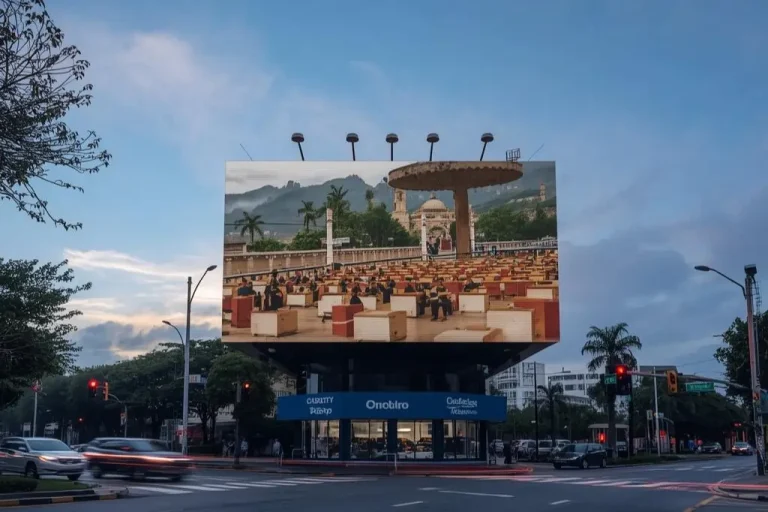
People passing through a busy commercial area see dozens of billboards every day, and many fade into the background. A…
“SMD LEDs” can mean individual LED components (used in lighting and electronics) or finished LED display screens built from them.…
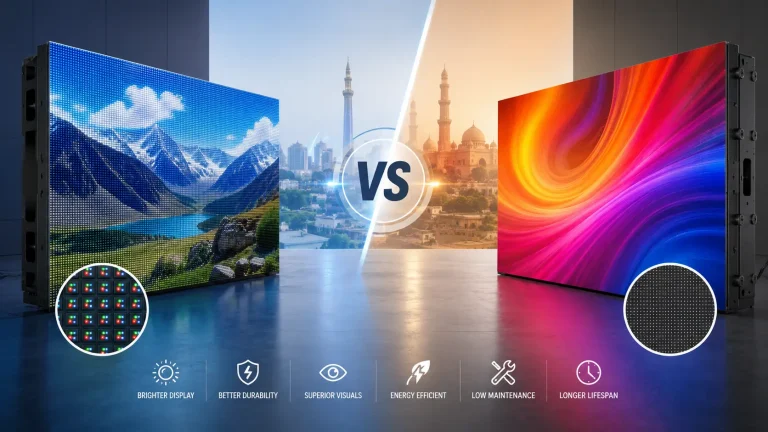
“SMD” and “COB” appear in two different markets: LED lighting (lamps, downlights, strips) and direct-view LED display screens. The terms…