 Outdoor SMD Screens
 Indoor SMD Screens
 Flexible SMD Screens

Why Flexible LED Displays Are Ideal for Modern Creative Advertising Projects
Flat LED panels suit flat walls, but creative advertising often involves other shapes: retail columns, curved shopfronts, wave ceilings, spiral…
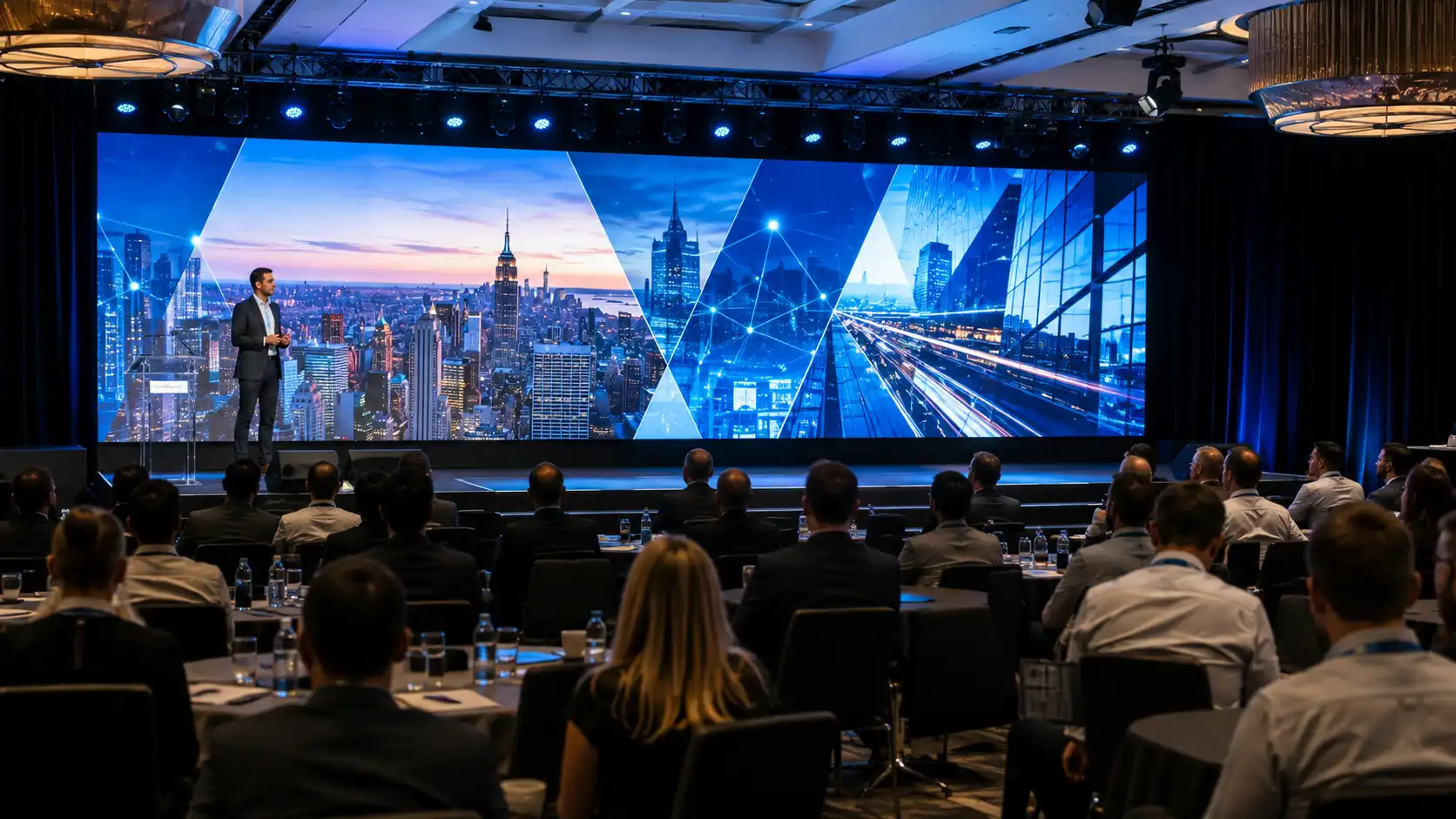
An SMD video wall avoids many of the problems that come with a projector and fabric screen in a lit room. Event producers in Lahore, Karachi and Islamabad often specify fine pitch LED walls for corporate conferences, product launches, award nights and large weddings because the image stays bright under house lighting and, with the right settings, records well on camera. Presentation quality typically improves for three reasons: a continuous image with no bezels, refresh rates suited to video capture, and brightness that can be matched to lit rooms.
Projected images lose contrast as ambient light rises, and brightly lit banquet halls can make projection look washed out unless a very powerful projector is used. Tiled LCD panels keep visible bezels that cut a grid across each slide. A fine pitch HDR 4K LED video wall presents one continuous image with high contrast, so text stays sharp across the room when the pitch suits the viewing distance. Check the product page for the specific contrast and flatness figures.
Most corporate events and weddings in Pakistan are filmed. Lower refresh rates make it more likely that cameras record scan lines or banding, especially at faster shutter speeds. Higher-refresh panels, such as those rated around 3840 Hz, generally reduce this, although results also depend on the driver ICs, processor settings and camera. As a starting point, many crews use a shutter of 1/50 second for 25 fps or 1/60 second for 30 fps and match the wall frame rate. Confirm refresh and scan rates in the quotation and test with the actual cameras during rehearsal.
Indoor event walls are usually run at moderate brightness, often in the region of several hundred nits, adjusted to the room and stage lighting so there is no glare in the front rows. Running brightness higher than needed indoors increases power draw and heat and can speed up LED ageing.
Pitch is driven mainly by the nearest regular viewers and by the smallest text you need to show; the farthest viewers then decide how large the wall and its text must be. The table below is a general starting point, not a fixed rule:
| Nearest regular viewer | Typical pitch range | Content it suits |
| Within about 2 m | 0.9 to 1.3 mm | Dense data tables, small text, close camera shots |
| About 2 to 4 m | 1.5 to 2 mm | Slide decks, brand films, product reveals |
| About 4 to 8 m | 2.5 to 3 mm | Stage backdrops, wide motion graphics |
| Beyond about 8 m | 4 mm and above | Large hall backdrops, outdoor stage walls |
Always check that the smallest text in your content will be large enough for the farthest seats, whatever the pitch.
Resolution follows pitch and physical size, not the product label. For a wall of roughly 4.08 m wide by 2.42 m high, the approximate pixel counts are shown below. Real walls are built from whole cabinets, so the exact size and pixel count depend on the cabinet dimensions of the chosen model:
| Pixel pitch | Approx. native resolution | Content brief |
| 0.945 mm | about 4320 x 2560 | Native 4K-class source recommended |
| 1.26 mm | about 3240 x 1920 | Design at wall resolution, not 1080p |
| 1.575 mm | about 2592 x 1536 | Upscaled 1080p usually acceptable for video |
| 1.89 mm | about 2160 x 1280 | 1080p content maps reasonably well |
Send your designer the exact pixel map before artwork begins. Feeding 1920 x 1080 content to a much larger pixel canvas forces upscaling and can soften logo edges, which is a common cause of disappointing event visuals.
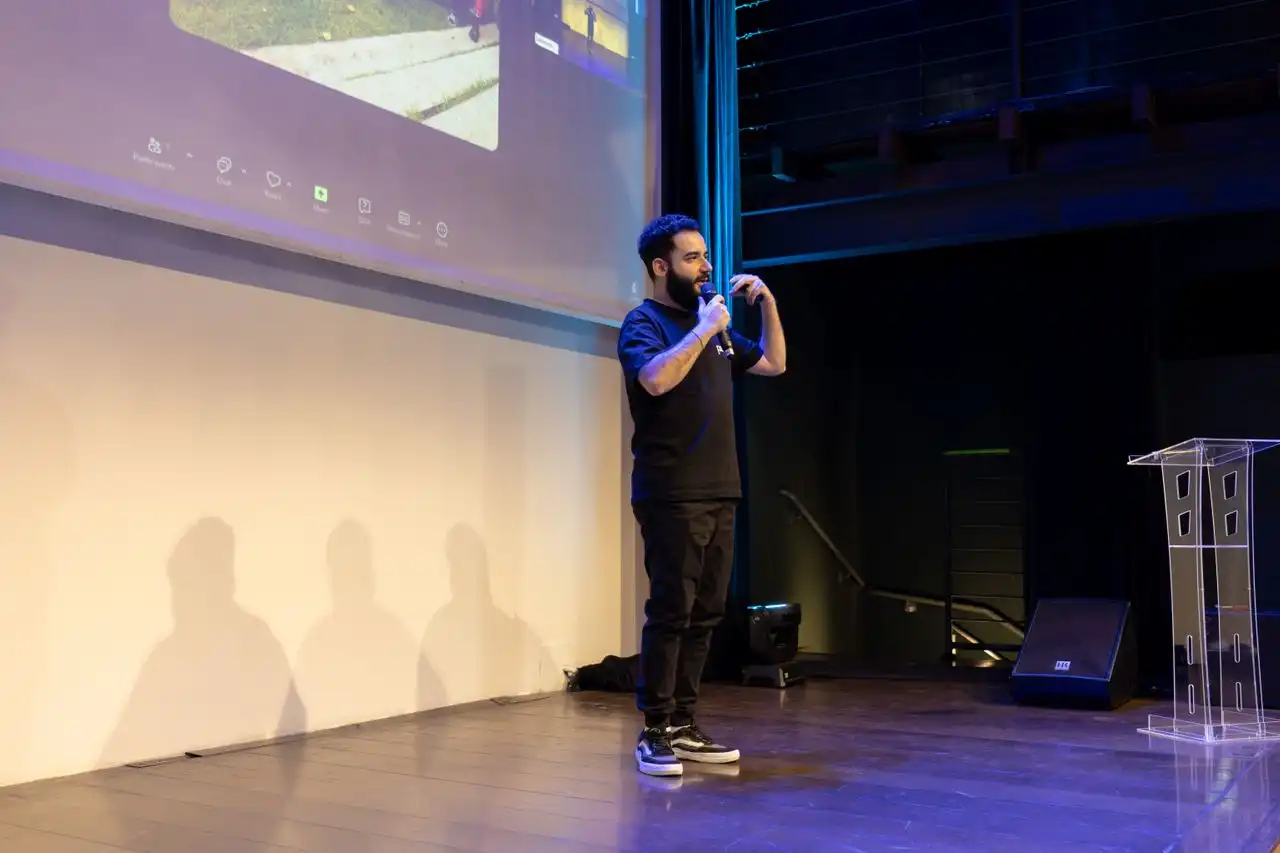
The configurations below are illustrative starting points; the right choice depends on the venue, seating and content.
| Event type | Example wall size | Example pitch | Setup priority |
| Corporate conference, 300 seats | 5 m x 3 m | 1.89 mm | Presenter confidence feed and backup processor |
| Product launch, press covered | 6 m x 3.4 m | 1.26 mm | High refresh for press cameras |
| Award night with live camera cuts | 8 m x 4 m plus side panels | 1.575 mm | Genlock between wall and vision mixer |
| Wedding reception, indoor | 4 m x 2.4 m | 1.89 mm | Engineered ground stack, cable protection on walkways |
| Shareholder meeting or AGM | 4 m x 2.25 m | 0.945 mm | Legibility of dense financial tables |
| Outdoor daytime function | 6 m x 3 m | 2.5 to 3 mm or coarser | Outdoor-rated, high-brightness modules |
Event and conference use cases are covered further in our guide to indoor SMD screens for events and conferences, and the sector breakdown appears in industries using video walls for marketing.
Power, rigging and structural decisions should be made by a licensed electrician and a qualified structural or rigging engineer, following the manufacturer’s guidance. The points below are things to raise with them:
| Factor | Common local condition | What to discuss |
| Supply voltage | Voltage can sag under heavy banquet load | A dedicated feed and whether voltage stabilisation is needed |
| Generator changeover | Venue changeover can take several seconds | A UPS on the processor and control equipment to avoid a mid-programme reboot |
| Peak power draw | Varies with wall size, model and brightness | Use the specification’s maximum power figures to size the supply with headroom |
| Rigging points | Many banquet halls have no certified rigging points | Ground stack with suitable ballast and a load calculation from a qualified engineer |
| Hall temperature | Halls can get hot in summer when cooling lags the crowd | Rear clearance and airflow as specified by the manufacturer; keep drapery away from the frame |
| Daytime outdoor functions | Barat and mehndi events may run in direct sun | Indoor panels wash out in sunlight; use outdoor-rated modules |
| Load-in window | Halls may release access only a few hours before guests | Prepare cabinets and load content in advance where possible |
Companies that stage regular events often ask whether to buy. A simple calculation helps:
Ownership tends to make more sense for organisations that run events frequently, or for auditoriums and boardrooms where the wall stays installed and doubles as a daily communication surface; the exact threshold depends on your own numbers. Brands using owned walls for continuous promotion are discussed in LED video walls for brand promotions in Pakistan.
Permanent installations follow a different specification path. Boardroom and auditorium builds are covered on our indoor SMD screen solutions page, while large format options sit in the HDR 4K SMD video wall range and the modular SMD screen module line.
Screen size affects stage depth, power planning and seating layout, so the wall specification belongs at the start of event planning rather than the week before. Compare configurations across the full SMD screen and video wall catalogue, then contact us to discuss your hall dimensions, camera plan and power availability. We can help size the wall and provide a pixel map for your content team; ask us what on-site support is available for your event.
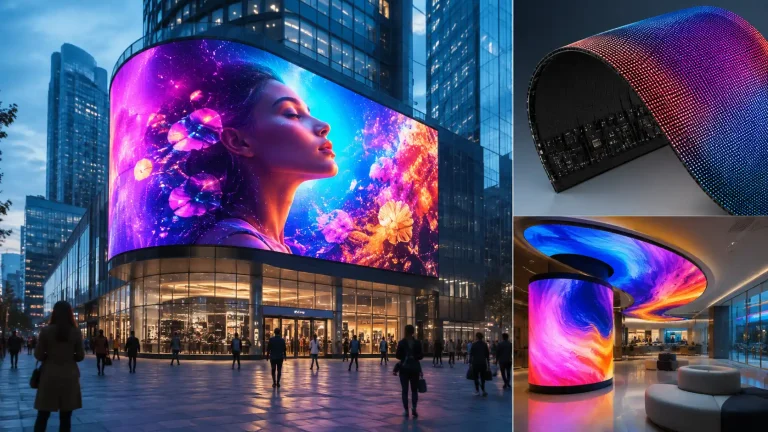
Flat LED panels suit flat walls, but creative advertising often involves other shapes: retail columns, curved shopfronts, wave ceilings, spiral…
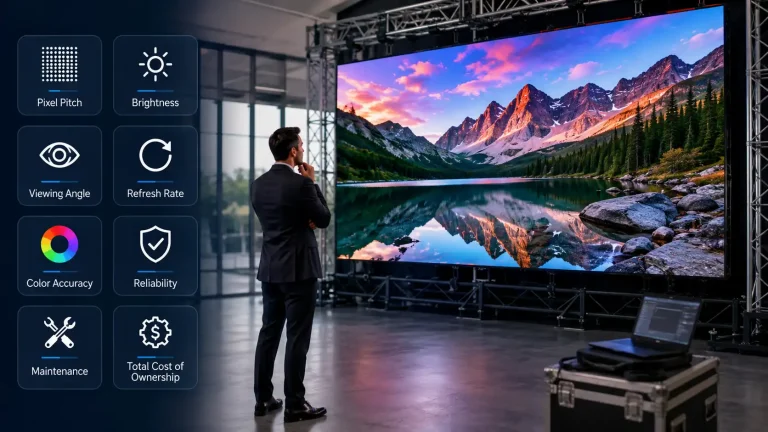
Two SMD screens can carry identical pixel pitch on the quotation and behave quite differently after eighteen months. The difference…
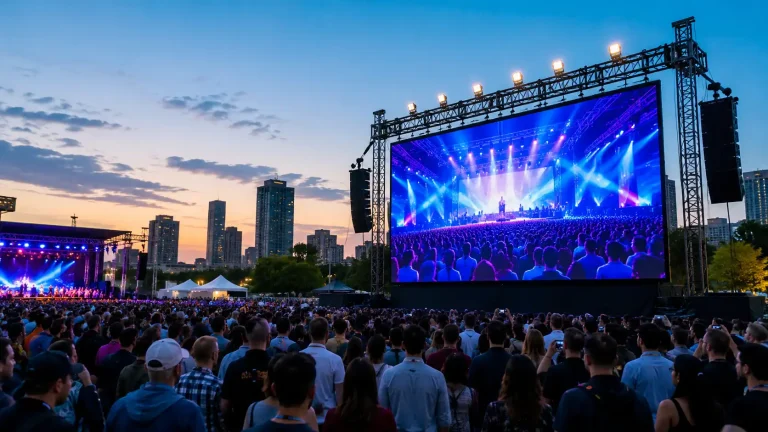
A printed billboard carries one message until it is replaced. An outdoor LED screen can carry several messages in a…